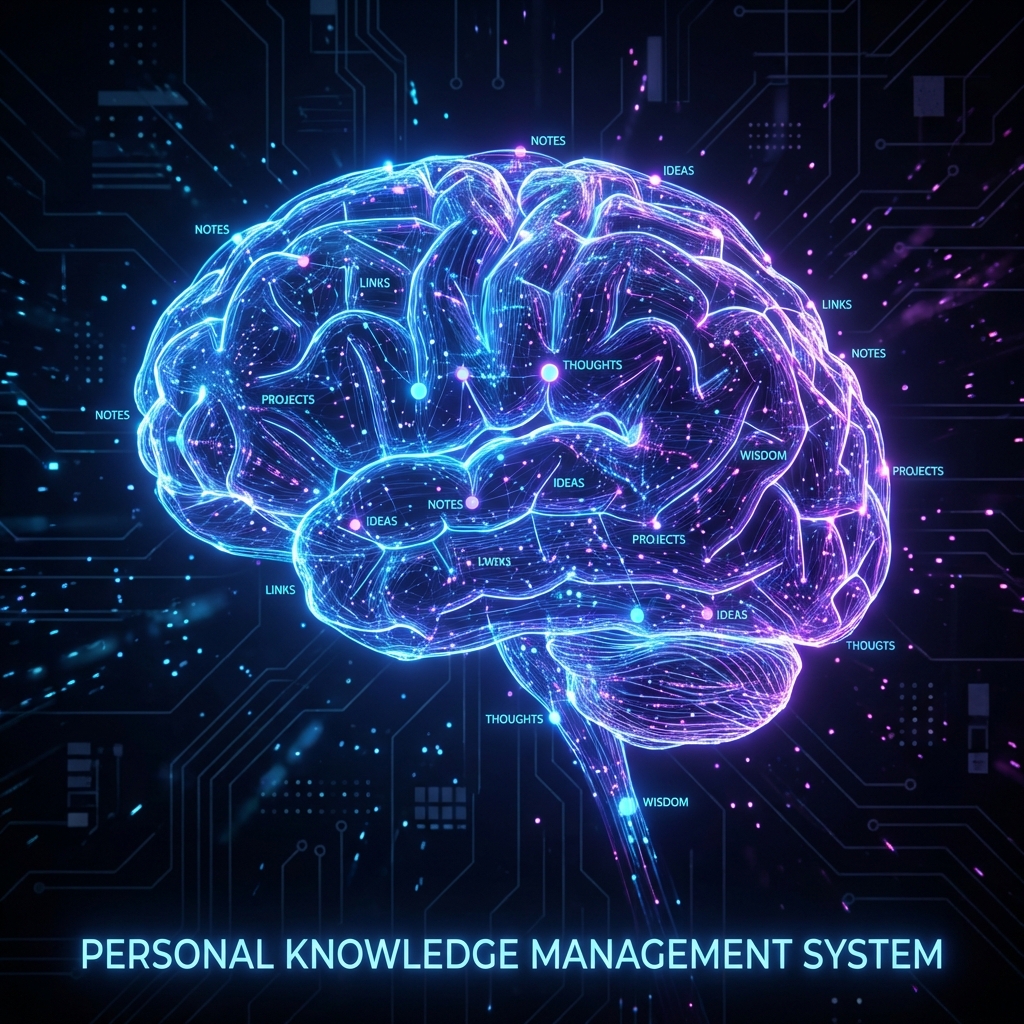
As knowledge workers, we are drowning in information but starving for wisdom. The concept of a “Second Brain” — popularized by Tiago Forte — is a system to capture, organize, and retrieve information efficiently.
While many tools exist (Notion, Roam, Evernote), Obsidian stands out for architects and engineers because it treats knowledge like code: it’s local, it’s Markdown, and it’s highly extensible.
The Architecture of Knowledge
Most people organize notes using folders (a hierarchy). But knowledge is rarely hierarchical; it’s a graph. Obsidian allows you to build a personal web of thoughts through bi-directional linking.
graph LR
    A[Architecture Pattern] --> B[Microservices]
    B --> C[Data Consistency]
    D[Distributed Systems] --> C
    D --> E[Observability]
    A --> D
    F[Obsidian Note] -- "link" --> A
The PARA Method
To prevent “Digital Hoarding,” I use a modified version of the PARA method to structure my vault:
- Projects: Active endeavors with a deadline (e.g., “Refactor Auth Service”).
- Areas: Ongoing responsibilities (e.g., “Cloud Architecture,” “Health”).
- Resources: Topics of interest for the future (e.g., “AI Research,” “SwiftUI”).
- Archives: Completed projects or inactive areas.
My “Atomic” Workflow: Zettelkasten
The goal of a second brain isn’t just to store information, but to generate new ideas. I follow an “Atomic” note-taking approach:
- Fleeting Notes: Quick captures on mobile or during a call.
- Literature Notes: Summaries of books or articles in my own words.
- Permanent Notes: Single, independent ideas. One note = One concept.
Obsidian for Developers: The Power User Setup
Obsidian’s true power lies in its community plugins and its ability to handle technical content.
1. Dataview Plugin (The “SQL” for your notes)
You can query your vault like a database. For example, to list all active projects:
// Obsidian Dataview Query
list from "1. Projects"
where status = "Active"
sort priority desc
2. Canvas for Visual Thinking
Obsidian Canvas is a spatial layout tool. I use it to map out system architectures or complex logic flows before writing the documentation. It’s like having a whiteboard directly connected to your notes.
3. Mermaid Integration
As you see in this blog, Mermaid is native to Obsidian. You can sketch diagrams using text, keeping your technical notes visual and searchable.
Syncing and Reliability
Because Obsidian stores files as local .md files, I have full control over my data.
- Privacy: No corporate cloud is scraping my thoughts.
- Longevity: Even if Obsidian disappears, my notes are just text files.
- Sync: I use Git (Obsidian Git plugin) to sync my vault across machines. This gives me version control for my thoughts!
# My manual sync script for my vault
cd /path/to/my/vault
git add .
git commit -m "🧠 Brain update: $(date)"
git push origin main
Starting Your Second Brain
If you’re starting today, don’t over-engineer your folder structure.
- Just start writing.
- Link aggressively. Use
[[Link to Note]]whenever a concept appears elsewhere. - Review weekly. Turn links that don’t exist yet (red links) into new notes.
Conclusion
A Second Brain is an investment in your future self. By offloading “storage” to a system like Obsidian, you free up your biological brain for what it does best: creativity and problem-solving.
Want to see how I use these tools in my coding workflow? Check out the Antigravity Workflow.